

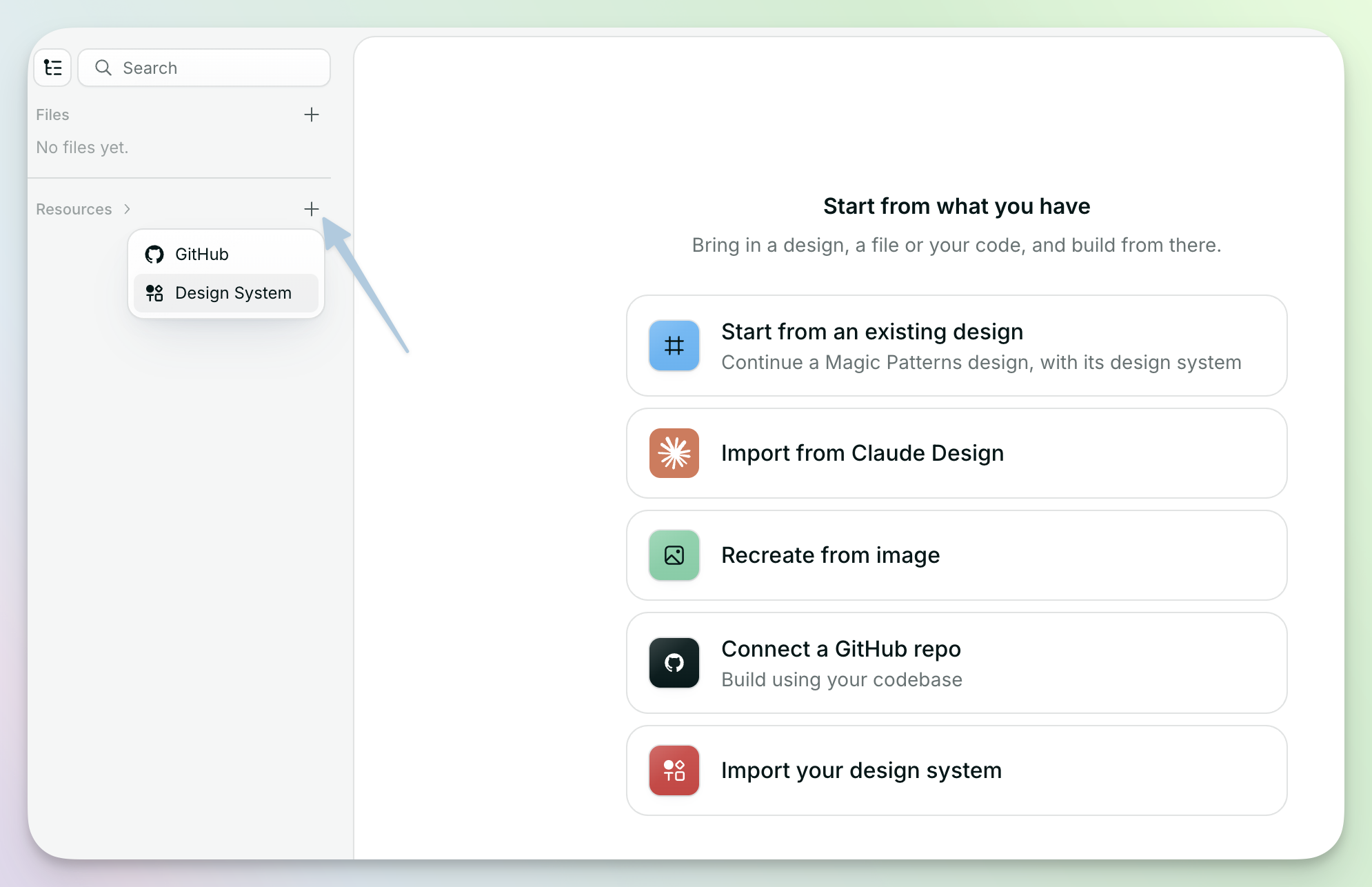
Linking GitHub only needs read access. Magic Patterns reads the repository to
import your components and styles. It does not write to your repo.
Link a GitHub repository
1
Name your design system.
In the Import a design system window, type a name under Name.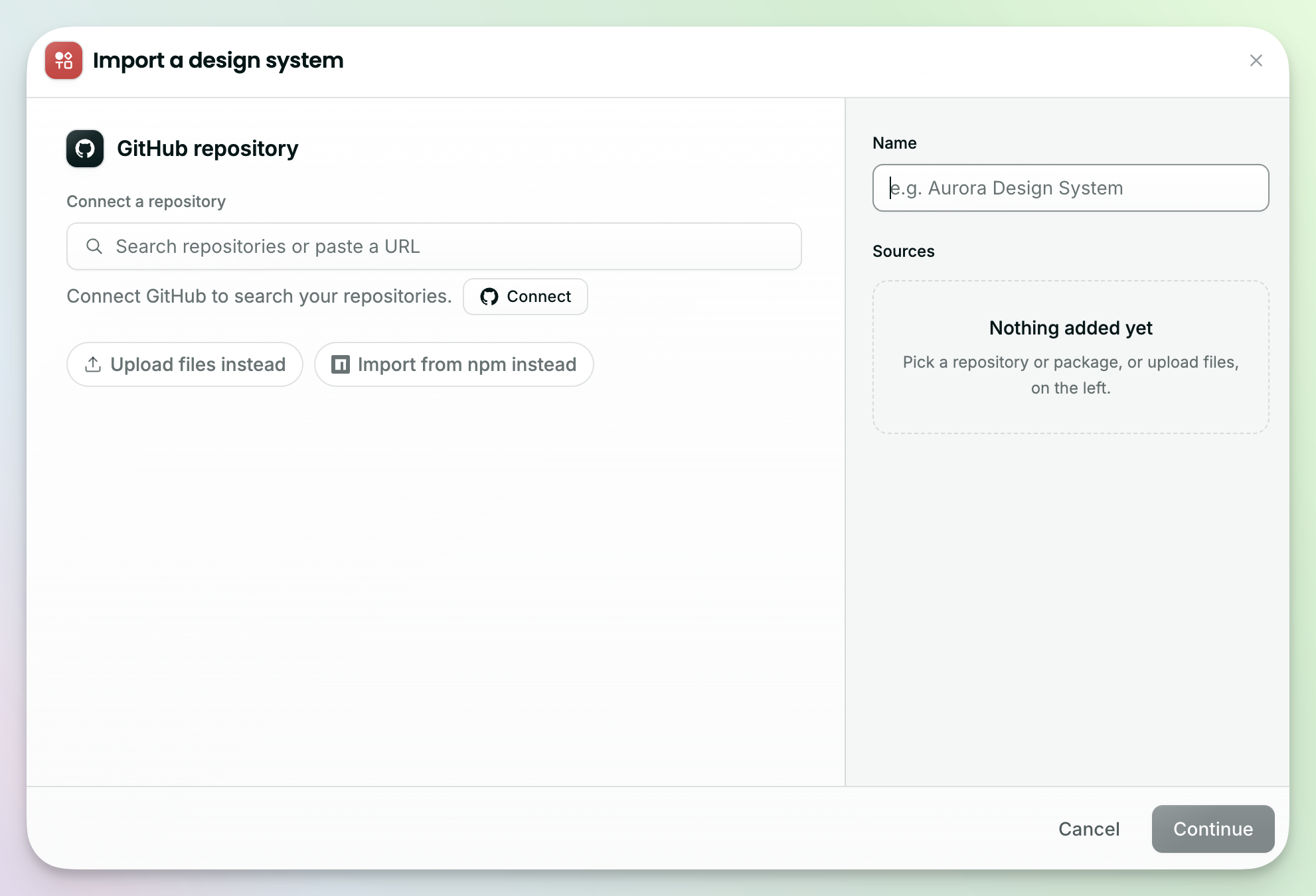
2
Connect your GitHub account.
The first time you do this, click Connect, then Connect GitHub, then Authorize in the GitHub window that opens. You only need to do this once.
3
Find your repo.
Search for it by name, or paste its URL, like
https://github.com/your-org/your-repo.4
Choose folders (optional).
For a large repo, select only the folder that holds your components, so Magic Patterns only scans that code.
5
Click Continue.
Magic Patterns scans your repo and suggests the components, colors, and styles it finds. You review them before anything is added.
Upload a zip
Use a zip when Magic Patterns can’t reach your code in a GitHub repo. A zip is a one-time import.1
In the Import a design system window, click Upload files instead.
2
Drag and drop a zip of your component library, or click to browse. You can upload
.zip, .tar.gz, or .tgz files, and more than one at a time.3
Choose the folders to import (optional), like the folder that holds your components.
4
Click Continue. Magic Patterns scans the code and suggests what it finds for you to review.
Keep your design system up to date
Your design system stays linked to your GitHub repo, but new commits don’t update it automatically. In MagicOS: click Re-sync to pull the latest from your connected sources and create a new version. Branch or folder changes wait until someone confirms them.What’s next
Choose how to import
Compare GitHub, a zip, and a production library.
Connect your production library
Book a call when you need the published React library your product ships.