

How MagicOS is organized
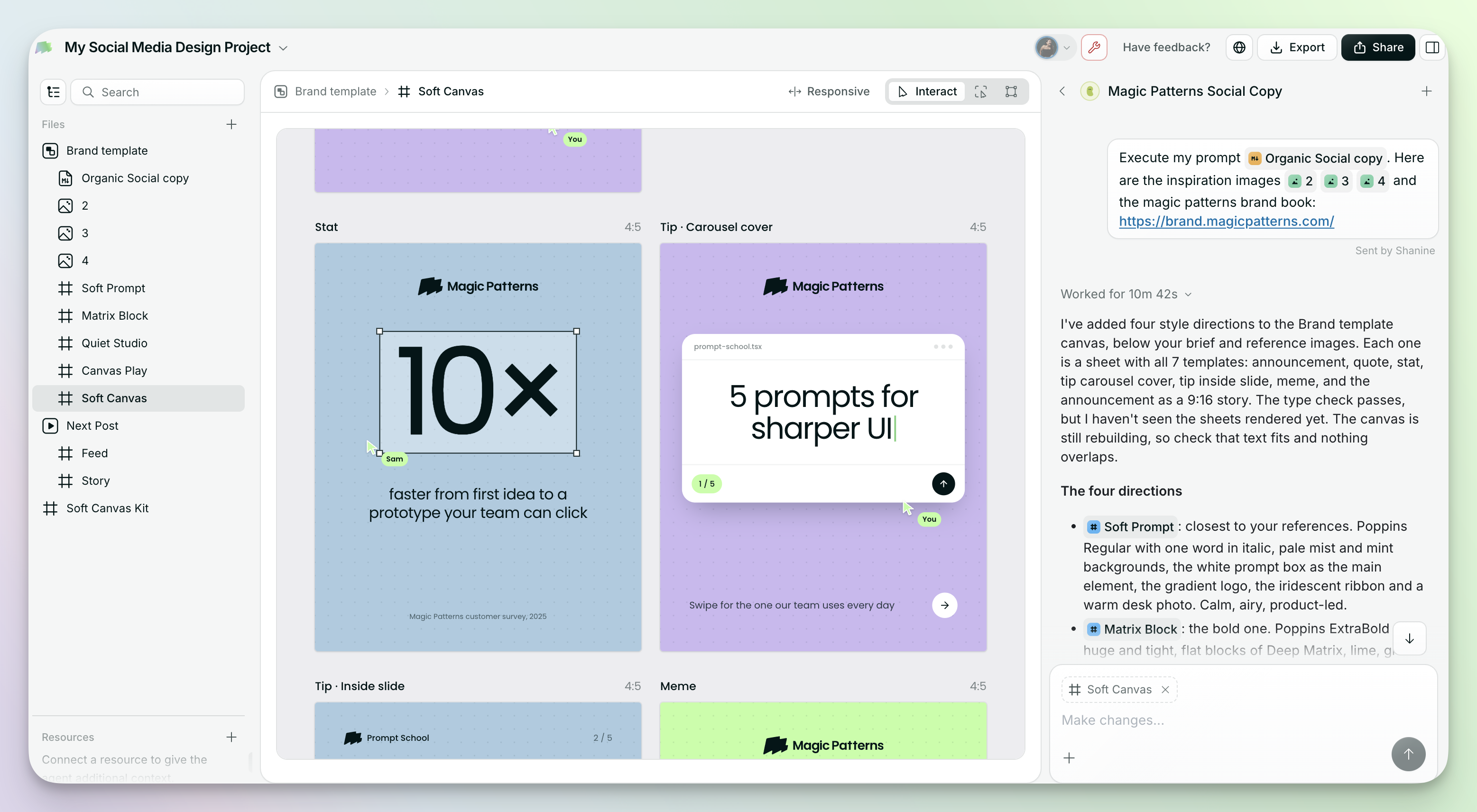
- Files: everything in your MagicOS is a file, including canvases, prototypes, frames, documents, and images. You’ll find them in the left sidebar. See The canvas and files.
- The agent: your chat on the right. Ask a quick question or ask for a change, and the agent does the work. Your past chats stay there too, so you can search or archive them. See Agents and threads.
Full walkthrough
Build your first prototype
Create your first MagicOS and run one change end to end.