How to share
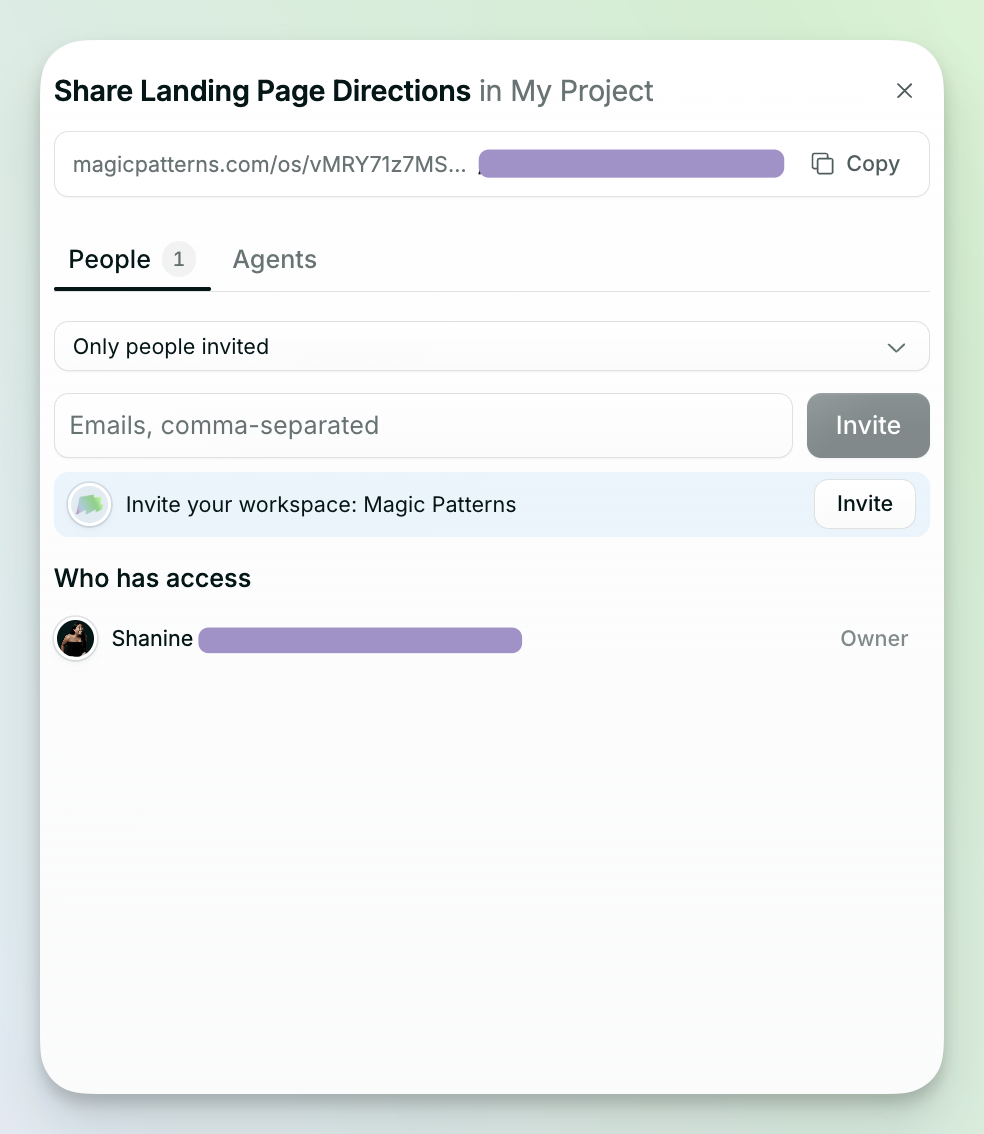
Click Share in the top right to share with your team or your agents.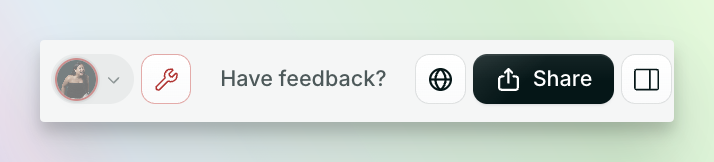
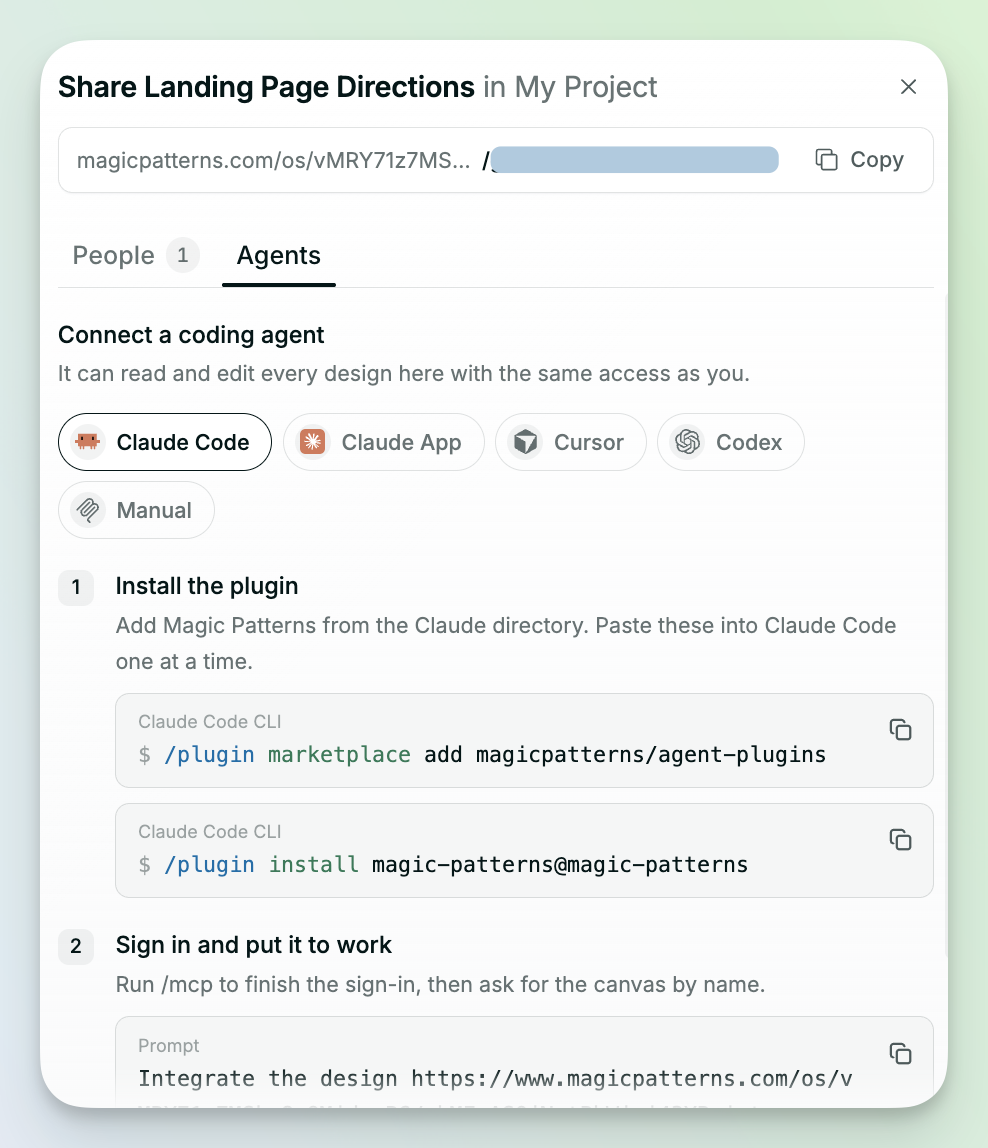 You can also click Export in the top right. The menu has two tabs:
- Selected File: export the file you have open, like a prototype, frame, canvas, or slide deck.
- Project: export everything in your MagicOS.
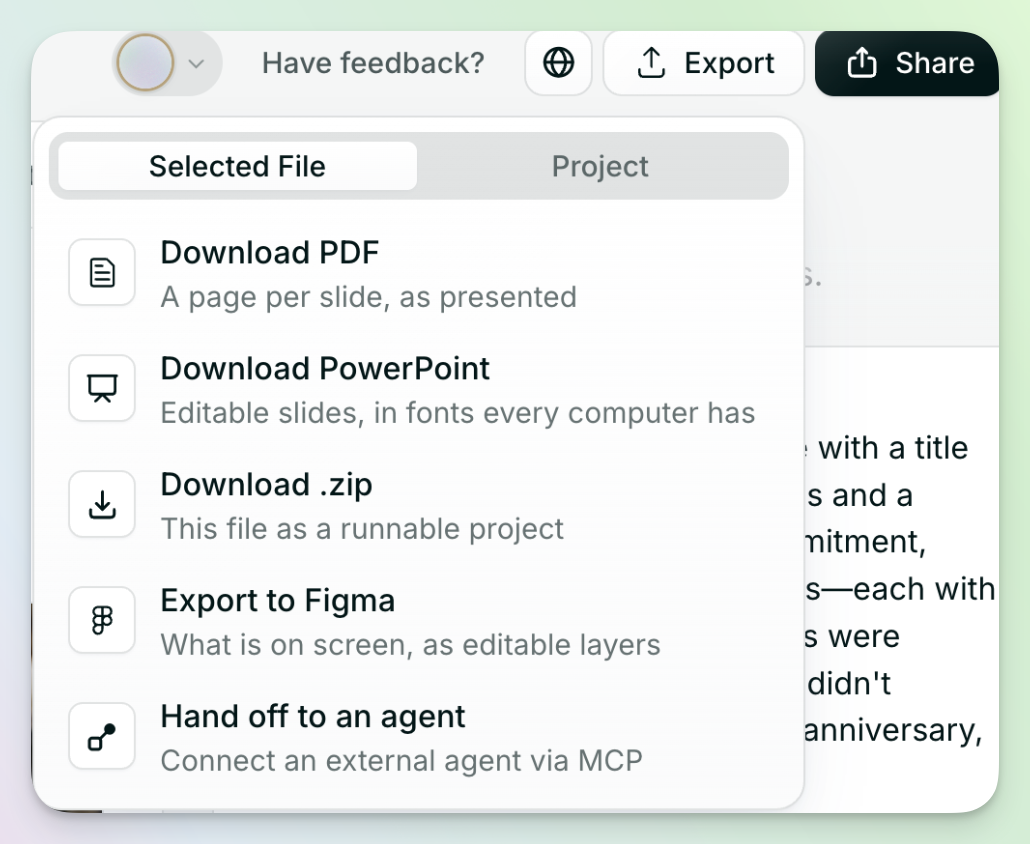
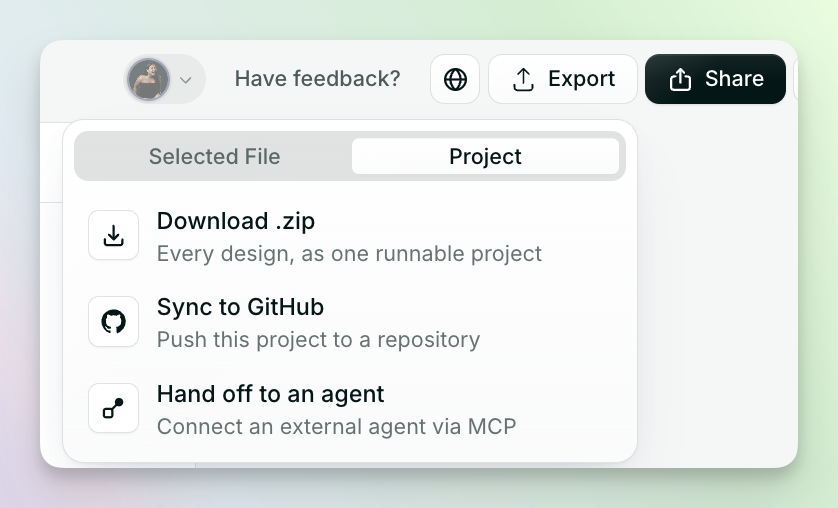 From there, you can:
- Export to Figma
- Hand off to a coding agent
- Download a .zip
- Sync to GitHub
- Download as a PDF or PowerPoint
Publish
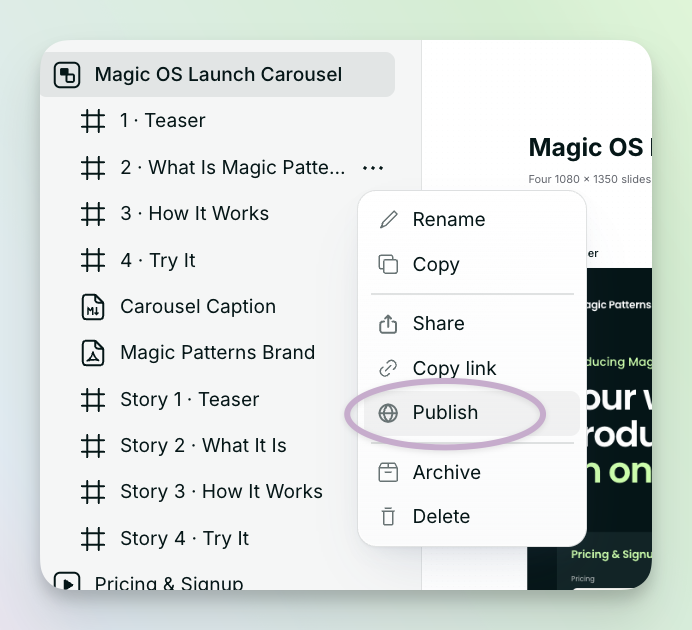
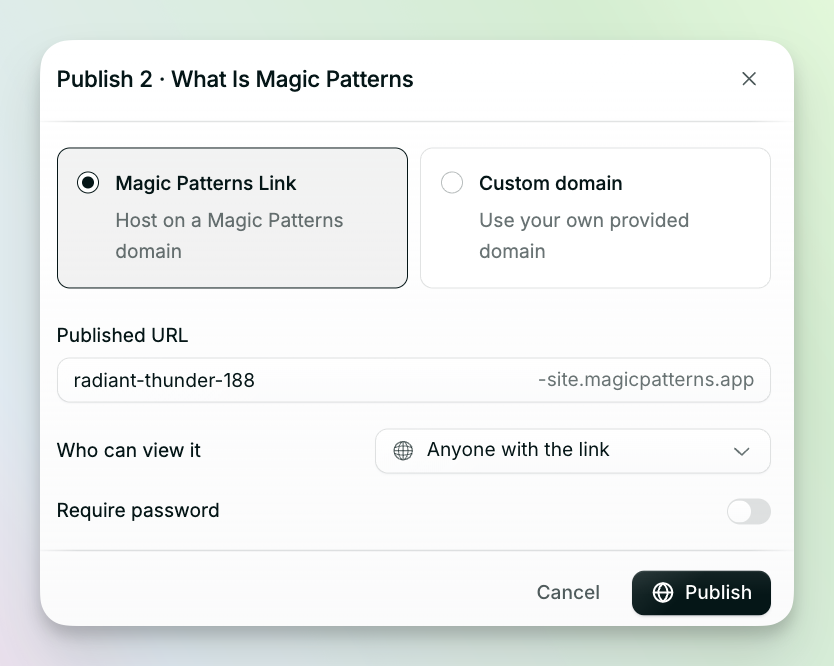
Put your MagicOS design live on a Magic Patterns domain or your own custom domain.- Click your prototype.
- Click the three dots.
- Select Publish.
- Choose a Magic Patterns domain or your own domain.