Getting started
Go to magicpatterns.com/settings/team to manage your workspace. Only admins can manage the workspace; you can see who is the admin in the Team Members table under the Role column. You’ll see:- Team Members – Everyone in your workspace
- Subscription Plan – Your current plan (Starter, Business, or Enterprise)
Credits and members
On Starter, Business, and Enterprise, everyone in the workspace shares one pool of credits. The size of the pool is the credit level you choose for the workspace, not the number of people in it. New members start using the pool as soon as they join. When the pool runs out, it runs out for everyone. Admins can turn on on-demand usage so the team can keep working. See Shared credit pool for how the pool refreshes and how to change its size. On Enterprise, admins can also set per-user credit allocations.If your workspace is on a legacy plan that still bills per seat, email
support@magicpatterns.com to move to a
shared credit pool.
Common scenarios
I want to add a teammate
I want to add a teammate
- Go to magicpatterns.com/settings/team
- Click Invite and enter their email
I need to remove someone from the workspace
I need to remove someone from the workspace
- Click the … next to the member
- Click Remove
- They are removed from the workspace
We're running out of credits
We're running out of credits
Raise your workspace’s credit level by upgrading to the next tier, or turn on
on-demand usage.
I want to change our plan
I want to change our plan
- Go to magicpatterns.com/settings/subscription or magicpatterns.com/settings/team
- Click Manage Plan
- Select a new plan and complete the change in the payment portal
Roles
Roles are available on Starter, Business, and Enterprise.- Admin – Can invite members, manage the plan, remove members, and change roles
- Member – Can use the workspace and its shared credit pool; cannot manage billing or other members
Usage reporting
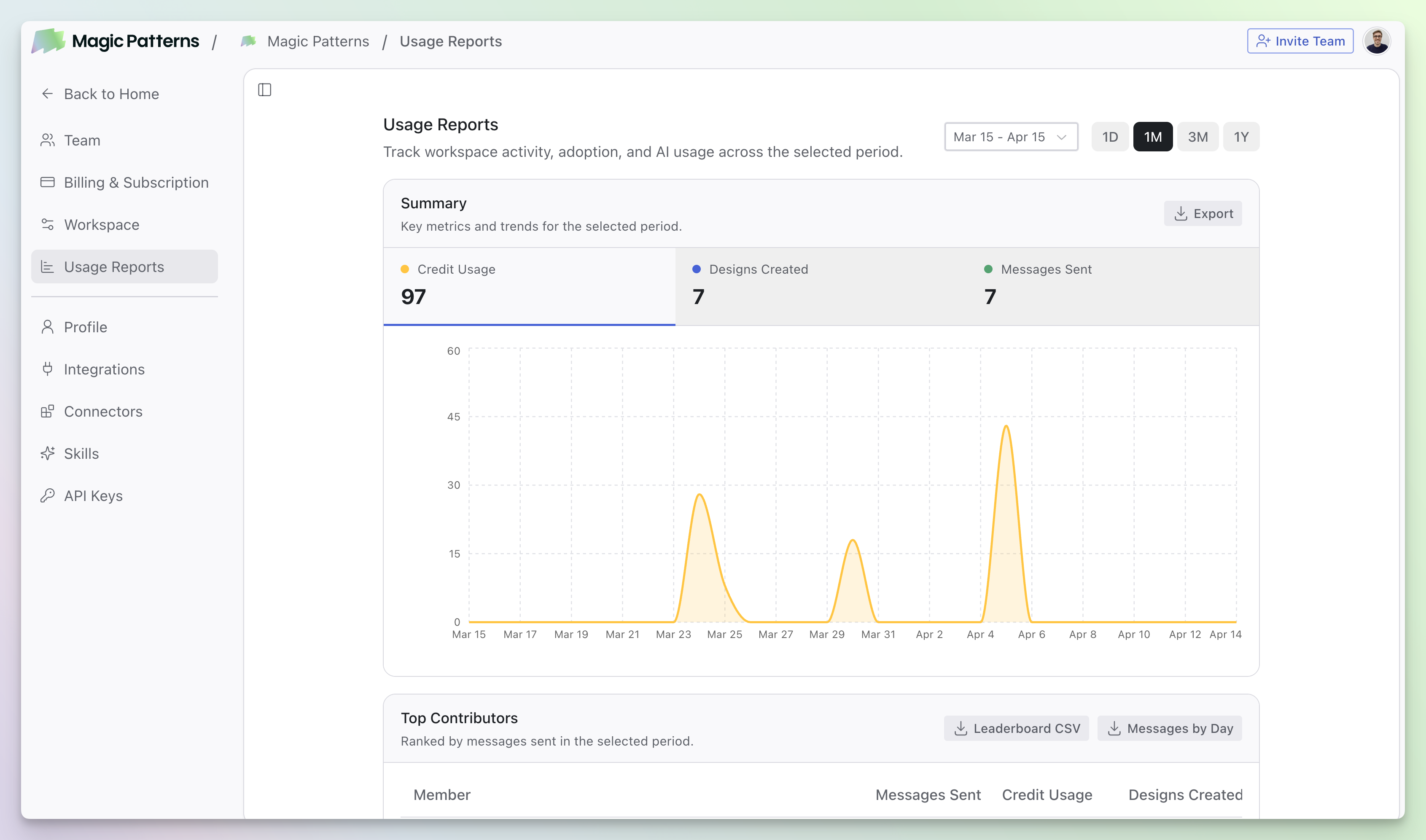
Business and Enterprise workspaces include Usage Reports at magicpatterns.com/settings/usage-reports. There you can track workspace adoption, compare activity with a team leaderboard, and review time saved. Workspaces on other plans see an upgrade prompt until you move to Business or Enterprise.